
[Admin] Section Management
THIS PAGE IS CURRENTLY BEING UPDATED.
HowTo: Create and Edit a Section | Add/Remove Classes | Enlist/Delist Students
A Section is a unit for a set or group of students based on a common academic characteristic such as learning program and grade or year level. It is sometimes known as a "block", "section block", or a "block section".
Managing a Section as an Admin
A Grado Administrator, via the Admin Portal, can do the following:
- Create and edit a section
- Add classes to a section
- Remove classes from a section
- Add or enlist students to a section
- Remove or delist students from a section
Creating a section
Editing a section
How to edit a section. (Enlarge video for better viewing)
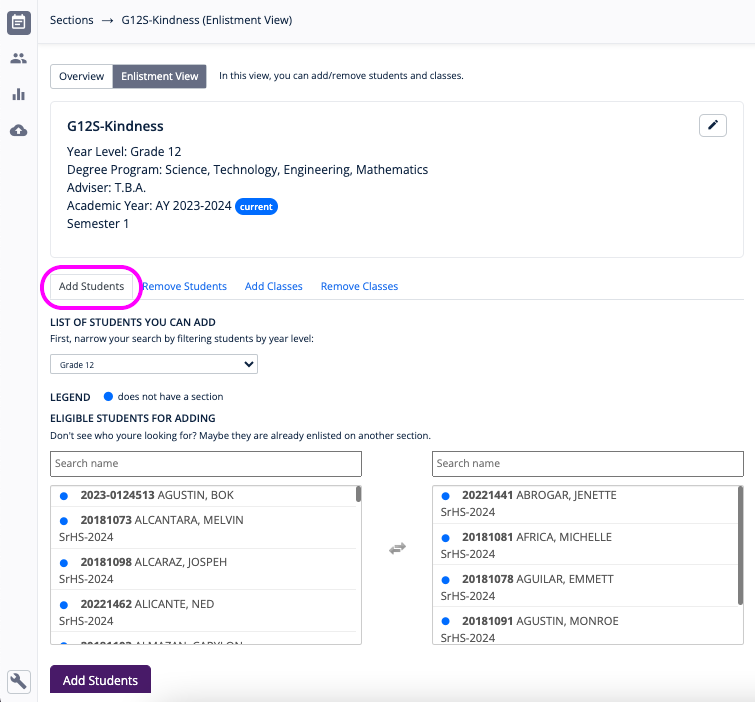
Adding or enlisting students to a section
- On the navigation menu, go to Management > Sections.
- Find the section to enlist students in and click Enlistment View.
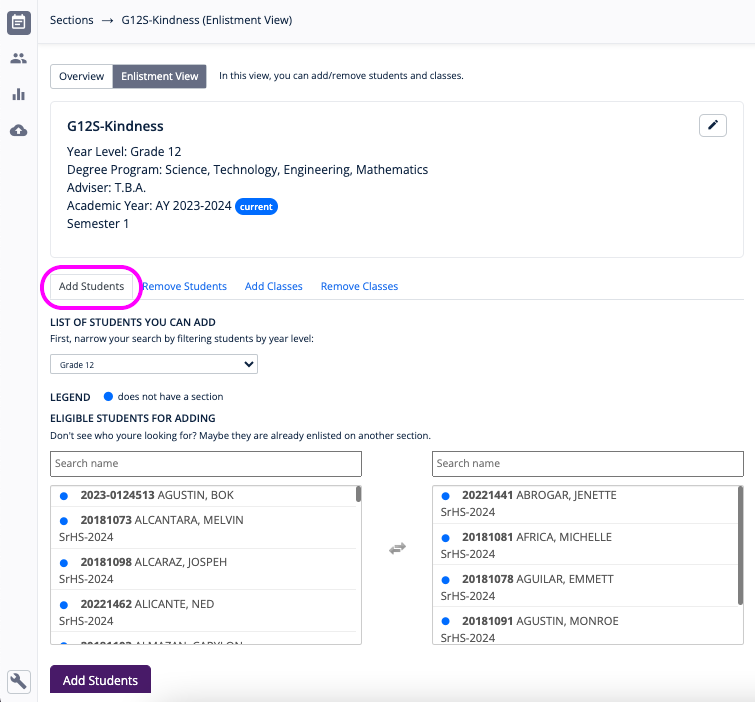
- On the Add Students tab view, simply click or tap the name of the students to select.
- When done, click the Add Students button.
Removing or delisting students from a section
Find the section to enlist students in and click Enlistment View.On the Remove Students tab view, simply click or tap the name of the students to select. When done, click the Remove Students button.
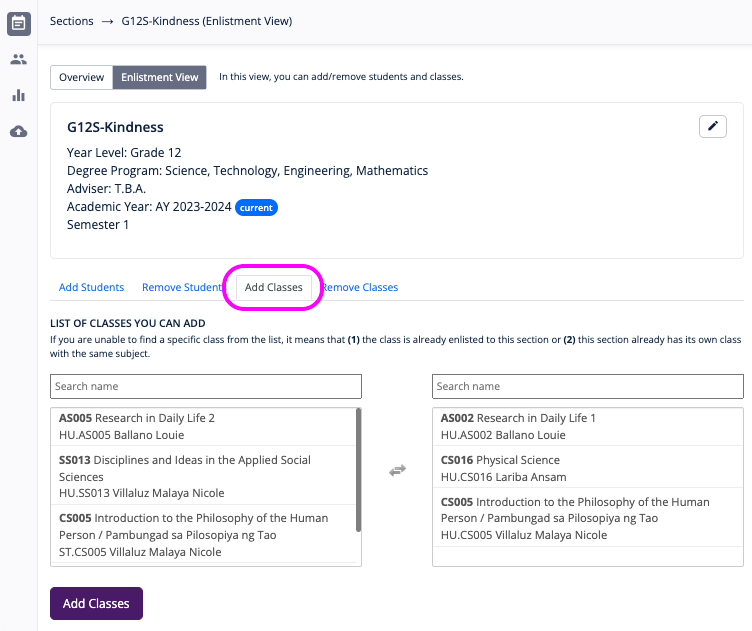
Adding classes to a section
- On the navigation menu, go to Management > Sections.
- Find the Section to add classes in and click Enlistment View.
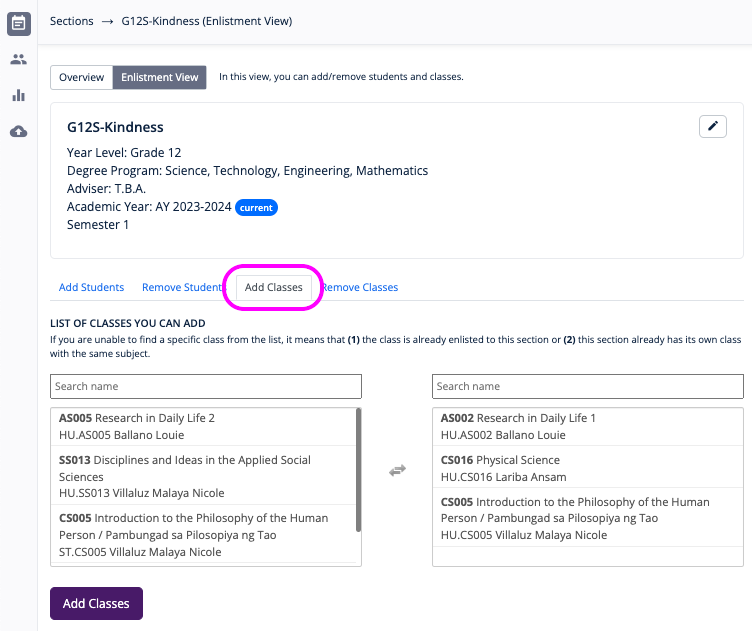
- On the Add Classes tab view, simply click or tap the class name select.
- When done, click the Add Classes button.
Removing classes from a section
Find the Section to add classes in and click Enlistment View.On the Remove Classes tab view, simply click or tap the class name select. When done, click the Remove Classes button.