How to input grades
When in LIS-mode, student grades can only be submitted, inputted, and processed by the assigned class teacher via the Faculty Portal.
For optimal viewing of Grades Sheet, we recommend using a tablet, laptop, or desktop. If using a mobile device, please rotate the display and switch to landscape mode.
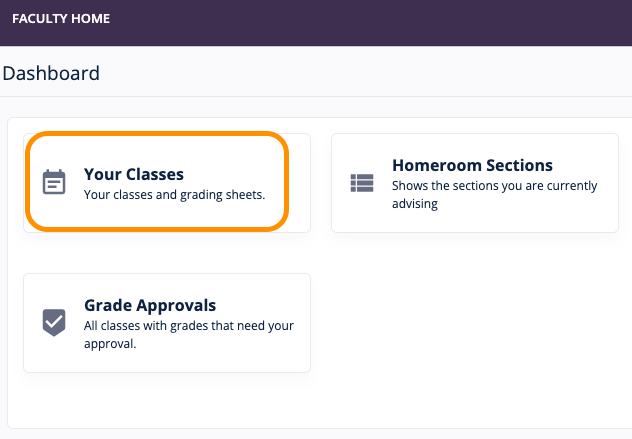
- Access the list of handled classes or your teaching load by going to Your Classes.
Click Open Grade Sheet.
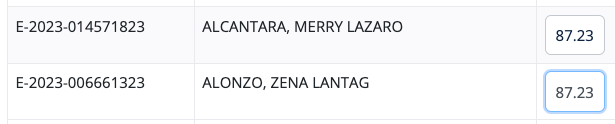
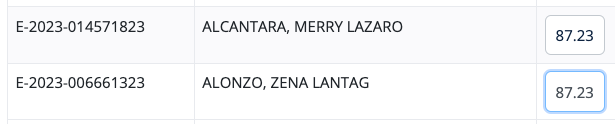
Input grades on the appropriate boxes.
- Free form: Input boxes will accept free-form input up to set decimal value if raw grade input is enabled.