
How to input grades
When in LIS-mode, student grades can only be submitted, inputted, and processed by the assigned class teacher via the Faculty Portal.Portal.
For optimal viewing of Grades Sheet, we recommend using a tablet, laptop, or desktop. If using a mobile device, please rotate the display and flip to landscape mode.
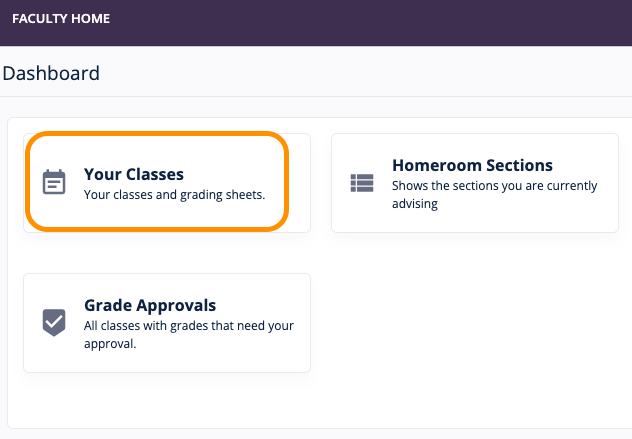
Select and click the class name to open the class details page.
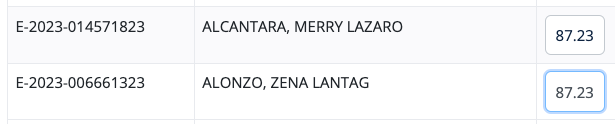
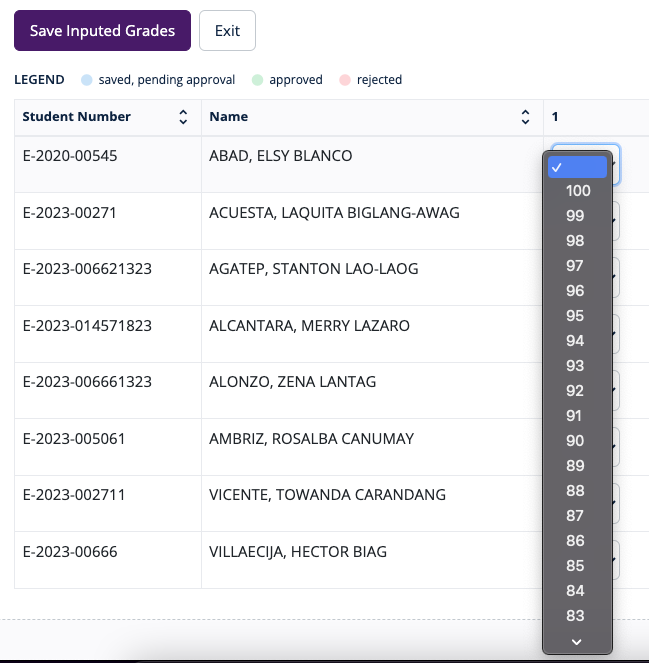
Click Save Inputed Grades when done.